All the power of pricier tools like iMyFone AnyTo and Tenorshare iAnyGo — on iPhone, Android, Mac & Windows, with a real free trial.
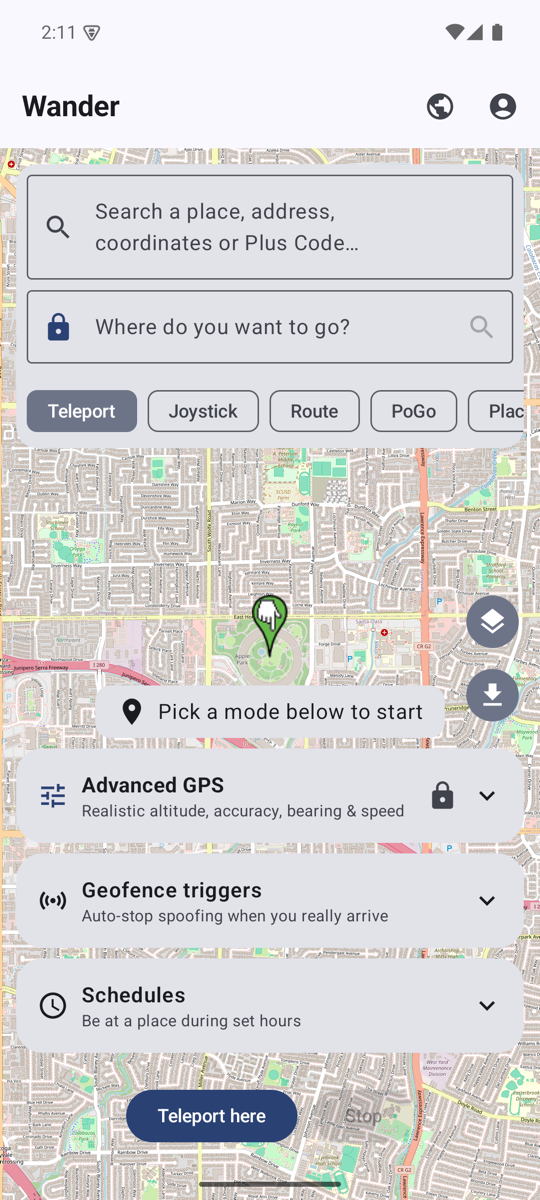
Drop a pin anywhere on the map — a landmark across the world or the coffee shop down the street — and you're there instantly. Search by name, paste coordinates, or tap the map.
Move your location in real time with an on-screen joystick, at walk, run, bike or drive speed. Push to steer, farther to go faster.
Chain several stops into one trip. Wander snaps to roads, paces realistic speed, humanizes the motion, and can auto-loop the whole route.
Jump-teleport with a cooldown timer and an optional block-until-cooldown lock. Built-in presets for Pokémon GO, Monster Hunter Now, Pikmin Bloom & Ingress.
Pick how a route is travelled — driving, walking, cycling or public transport. Transit follows roads at transit speed with realistic dwells at each stop.
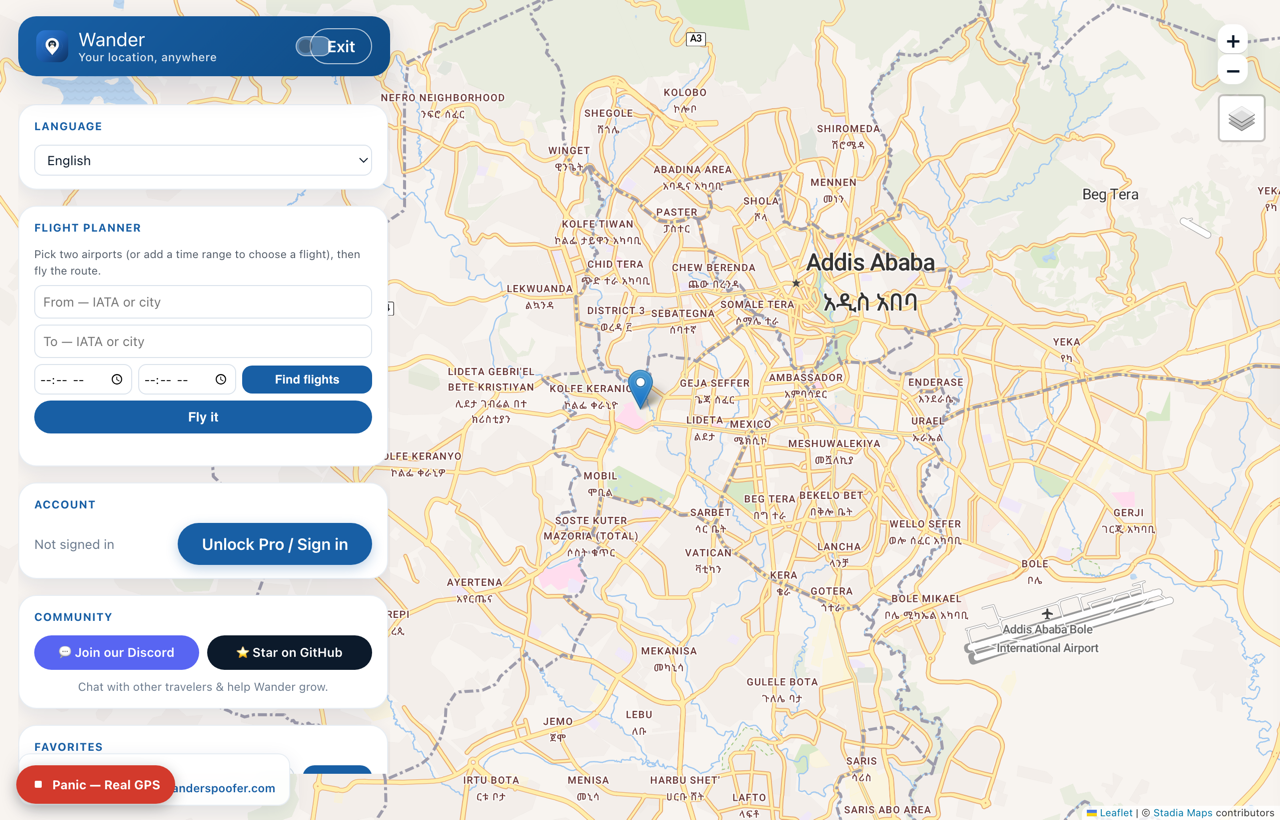
Cross open water on a great-circle boat path, or fly the great-circle flight route between two points. On Android, plane mode reports real altitude in the air.
Pick two airports by name, or set a time range and choose from a list of flights, then fly the great-circle route. Runs off a bundled airport dataset — no API, no account.
Drag to reorder the stops in a multi-stop route, or flip the whole thing end-to-end with a one-tap reverse.
Spin a full 3D globe and tap any spot to teleport there — a fast, playful way to hop across the planet.
Peek at a spot in Street View before you commit, so you land exactly where you meant to.
Switch between standard, satellite and hybrid map views to find the exact rooftop, trail or street corner.
See the live local time and weather at your spoofed spot — plus a heads-up if your device's time zone doesn't match.
Find any place by name or address, paste raw coordinates, or drop a Plus Code — Wander takes you straight there.
Just say where you want to be — "take me to Times Square" — and Wander finds the spot and drops you there.
Organize favorites into folders with tags and notes, browse your full teleport history, and undo the last jump with a tap.
Record a real route as you actually move, then replay it any time — perfect for repeatable, believable paths.
Save a route and run it on repeat, or queue a timed itinerary — "stay 1 hour here, then route to there" — and let it play out.
Type a prompt or hit surprise-me and Wander generates a natural-looking day of movement for you to run.
A read-only board of current Pokémon GO raids, eggs and events, so you know where the action is before you hop.
Set Wander to be at a place during set hours and it starts and stops on its own. On Android it runs even when the app is closed; on iPhone it keeps going in the background.
Wander snaps back to your real GPS the moment you actually arrive at — or leave — a real place, so your device is honest whenever it needs to be. On iPhone & Android.
Bring your own tracks or export the ones you build — Wander walks or drives the whole path with realistic speed.
Sync your saved places across devices, and back up or restore everything you've saved with one tap.
Use Wander in Spanish, French, German, Portuguese, Italian, Japanese, Korean, Chinese or Russian.
One tap snaps you instantly back to your real GPS — no digging through menus when you need out fast.
Big teleports glide across the gap over a few seconds instead of snapping, so apps can't flag an impossible instant jump — handy for dating apps and Life360. On iPhone & Android.
Routes ease off the pace when it's raining or snowing at your spoofed spot, so your movement matches the conditions. On iPhone & Android.
Hold perfectly still with a frozen toggle, or blur yourself to an approximate ~3–5 km area for privacy. On iPhone & Android; desktop holds still via the fluctuation toggle.
A heads-up when your device's time zone doesn't match your spoofed spot, plus clear guidance on lining up your VPN and IP so the network agrees with your location.
A full dark theme that's easy on the eyes for late-night sessions, alongside the standard light look.
No Wi-Fi? Flip on Airplane Mode and Wander keeps working on cellular — spoof from anywhere.
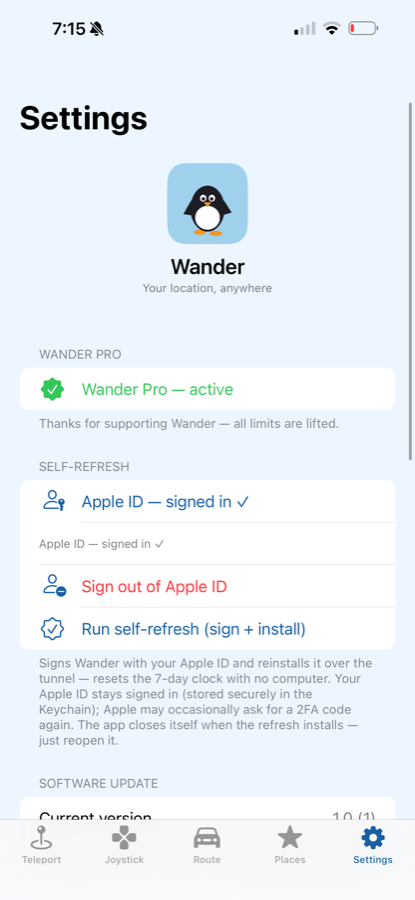
After setup, no computer needed. Wander re-signs and refreshes itself over the air, so it never expires on you.
Download a map region over Wi-Fi, then pan, zoom and teleport across it with no connection — OpenStreetMap tiles, cached on device. On iPhone & Android.
On Android, teleport in one tap from a Quick Settings tile or a home-screen widget — no need to open the app.
From the Mac or Windows app, hold one location across several iPhones at once — great for keeping a group in sync.
An optional guide to line up your IP with your spoofed spot, for apps that also check your network location.
New versions download and install themselves over the air — you're always on the latest build.
A real free trial, four platforms, and one honest lifetime price — the affordable alternative to iMyFone AnyTo and Tenorshare iAnyGo. Here’s how Wander stacks up.
Runs on a normal, stock iPhone (just a free Apple ID) or Android — no jailbreak, no root, no risky hacks.
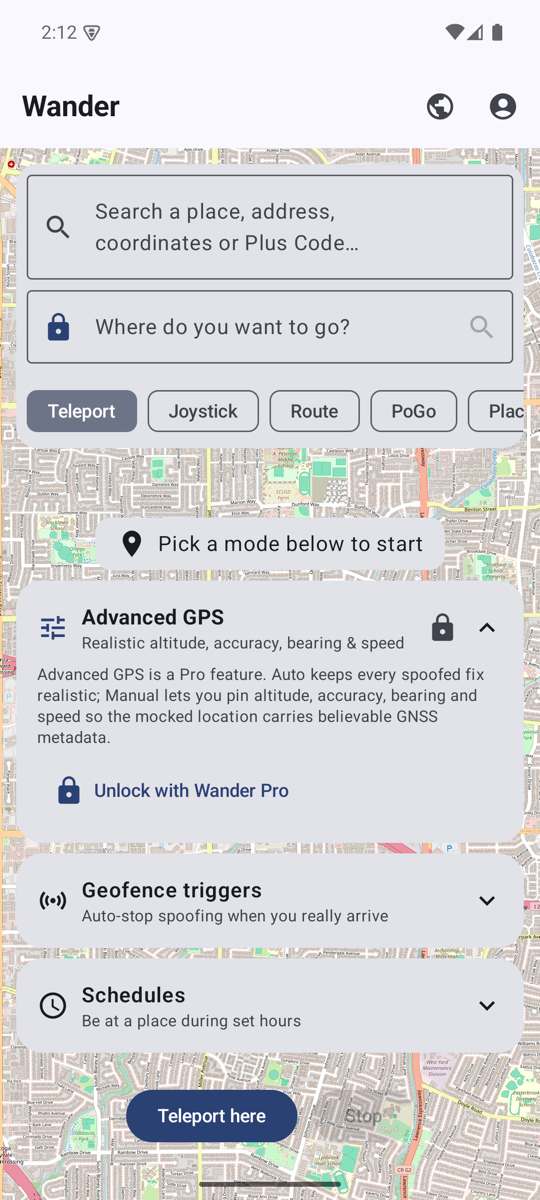
1 free teleport every day, plus 15 minutes of joystick and 3 routes every month. Actual features, not a 2-hour lockout.
Untethered after setup. The app lives on your iPhone — no laptop leash while you play.
One-time $80 lifetime license — instead of the ~$120 every single year rivals charge.
Not tied to Wi-Fi. Flip on Airplane Mode plus a VPN and spoof anywhere you have signal.
The same account unlocks Wander on iPhone, Android, Mac & Windows — buy once, use everywhere.
The same clean map on iPhone, Android, Mac & Windows — teleport anywhere, walk with a live joystick, or drive a full route. Real screenshots from each app.
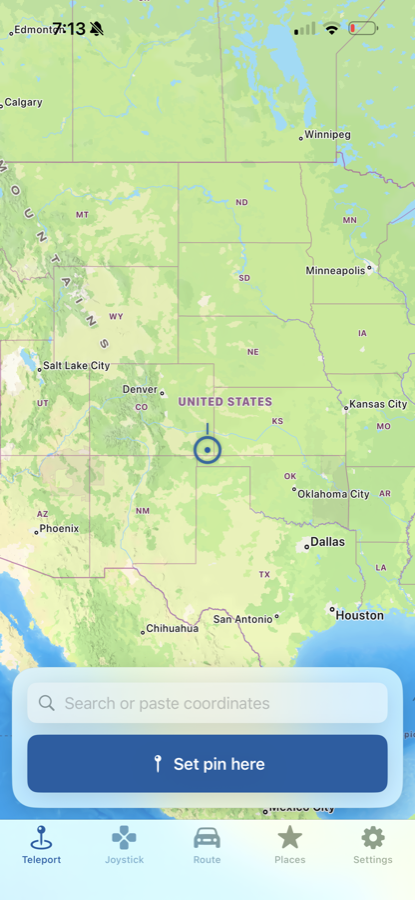
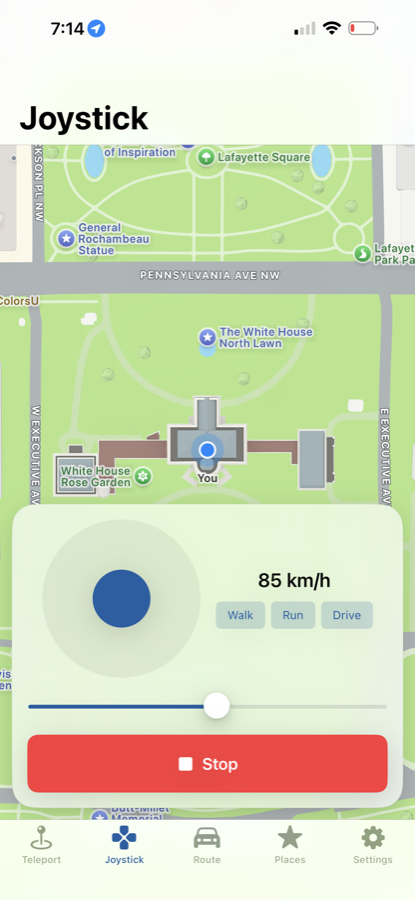
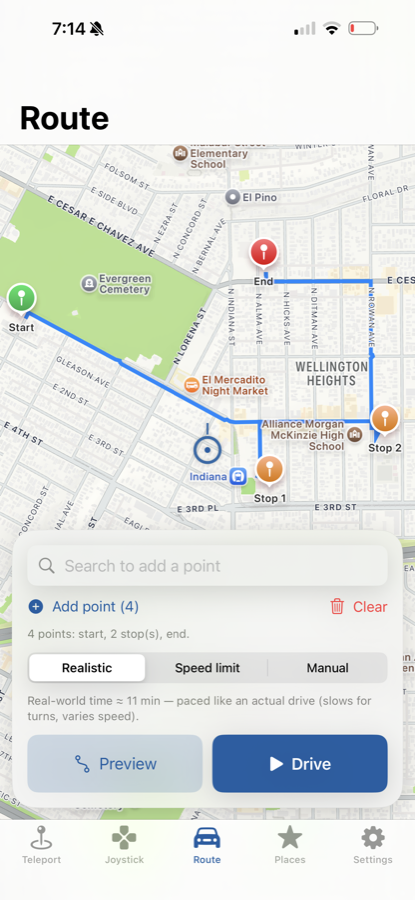
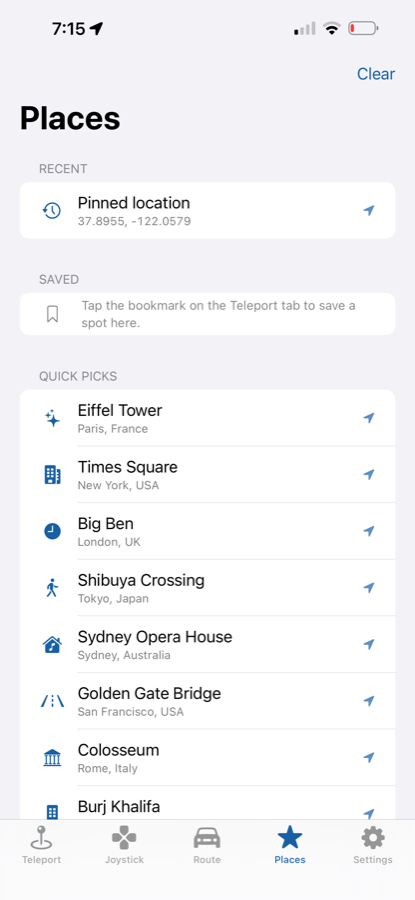
1 free teleport every day, plus 15 minutes of joystick and 3 routes every month — no card to start.
 Wander